> ## Documentation Index
> Fetch the complete documentation index at: https://docs.vanish.trade/llms.txt
> Use this file to discover all available pages before exploring further.
# Unshield
> Unshielding is the process of disabling Vanish’s shielded execution layer and making your assets visible on-chain again.
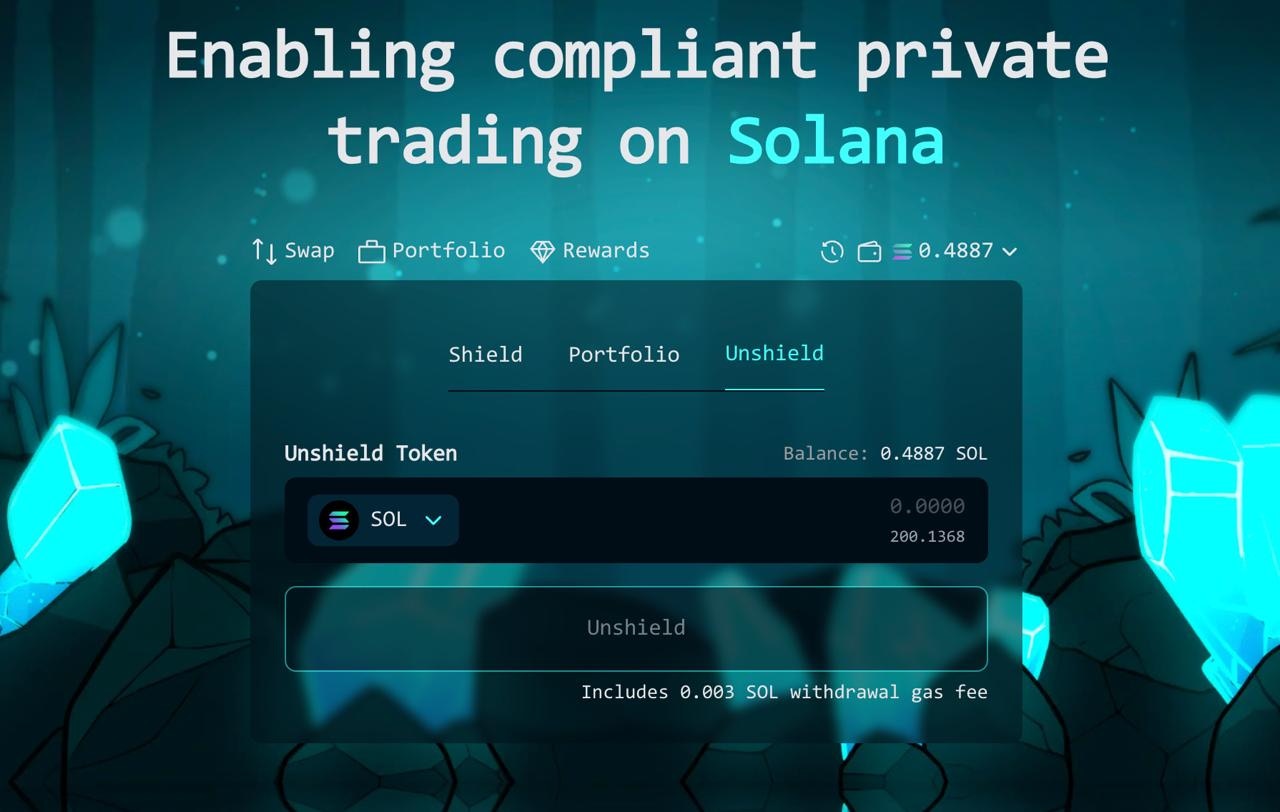 ***
To initiate unshielding, select the token you want to unshield. Vanish supports unshielding of any asset you currently hold in shielded mode. After selecting the token and amount, click the **Unshield** button to proceed.
Your connected wallet will prompt you to review and approve the transaction. Every swap requires your authorization, and Vanish never holds user private key custody. Unshielding activity is subject to approval by Vanish’s Integrity Framework (VIF), which screens for sanctions, fraud, and bad actors.
***
***
To initiate unshielding, select the token you want to unshield. Vanish supports unshielding of any asset you currently hold in shielded mode. After selecting the token and amount, click the **Unshield** button to proceed.
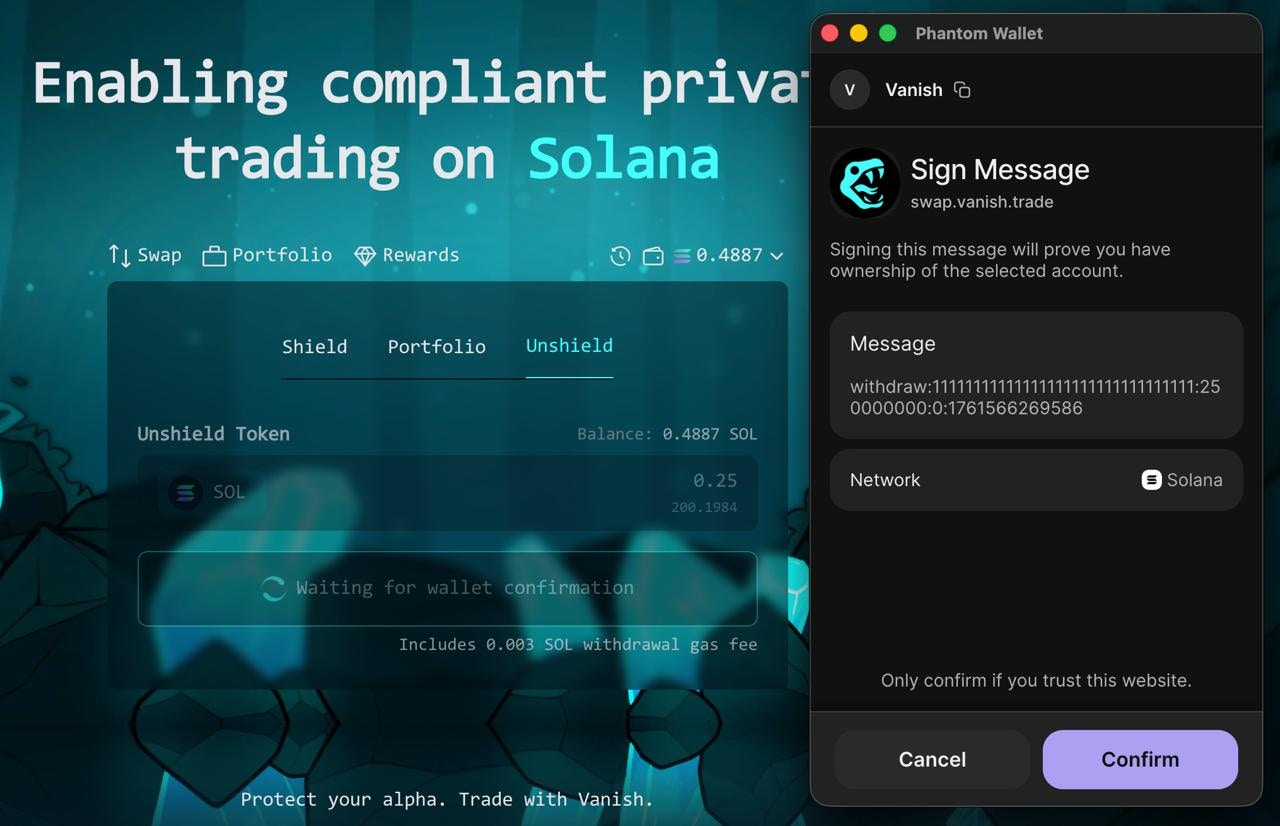
Your connected wallet will prompt you to review and approve the transaction. Every swap requires your authorization, and Vanish never holds user private key custody. Unshielding activity is subject to approval by Vanish’s Integrity Framework (VIF), which screens for sanctions, fraud, and bad actors.
***
 ***
Once unshielded, your trades return to normal on-chain visibility through Vanish’s same wallet-in, same wallet-out model. External observers can confirm that your wallet received funds, but they cannot reconstruct the trades that occurred while shielded, protecting your trading strategies.
***
Once unshielded, your trades return to normal on-chain visibility through Vanish’s same wallet-in, same wallet-out model. External observers can confirm that your wallet received funds, but they cannot reconstruct the trades that occurred while shielded, protecting your trading strategies.